Blade OS is a desktop-oriented Linux distribution based on Debian’s “Stable” branch, designed for users who want a reliable, polished, and easy-to-use operating system right after installation. It provides a pre-configured GNOME desktop environment with a set of essential applications pre-installed, beginner-friendly documentation, and out-of-the-box support for Flatpak packages, enabling users to access a wide range of software with minimal setup effort.
Intended for both Linux newcomers and everyday desktop users, Blade OS combines Debian’s proven stability with a user-friendly approach. With the Calamares system installer, the installation process is simple, fast, and customizable, offering an ideal environment for personal or professional use.

Built on Debian Stability
Being based on Debian Stable, Blade OS inherits the rock-solid reliability and security updates that Debian is known for. This ensures that users benefit from a well-tested, production-ready base while enjoying the added convenience of a pre-configured desktop and curated applications.
Debian’s extensive package repositories complement Blade OS by providing access to thousands of software options, making it suitable for daily productivity, multimedia tasks, programming, and general computing needs.
GNOME Desktop with Pre-Installed Utilities
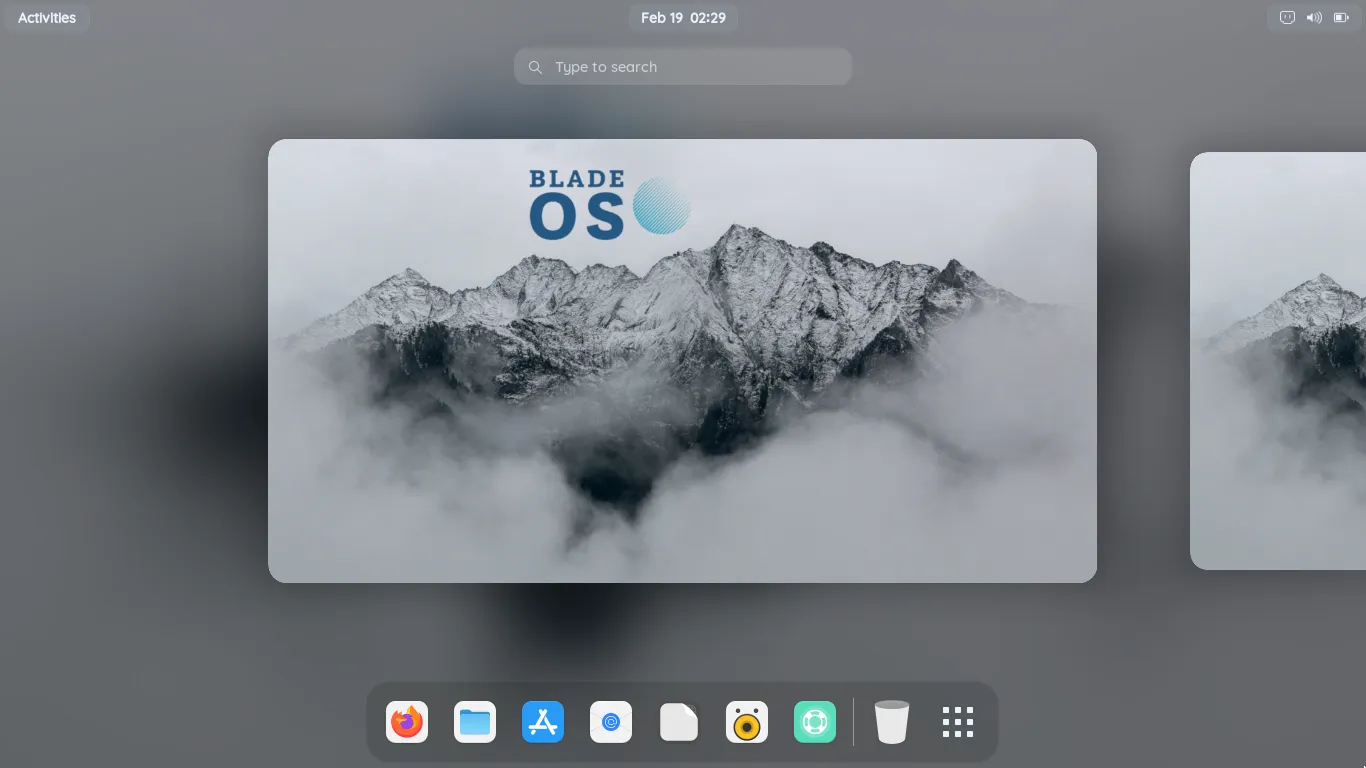
The GNOME desktop environment in Blade OS is thoughtfully configured to balance simplicity, performance, and aesthetics. Users will find commonly used applications pre-installed, including office software, multimedia tools, and web utilities, allowing immediate productivity without additional configuration.
The focus on user convenience reduces the learning curve for beginners while maintaining the flexibility appreciated by intermediate users who may want to tweak the desktop appearance, keyboard shortcuts, or application preferences.
Calamares Installer for Quick and Flexible Installation
Blade OS uses the popular Calamares installer to simplify the installation process. Calamares provides a graphical interface with step-by-step guidance, making it accessible to newcomers while offering options for partitioning, bootloader configuration, and multi-disk setups for advanced users.
This flexibility ensures that Blade OS can be installed on a variety of hardware, from older desktop systems to modern laptops, without sacrificing stability or performance.
Flatpak Support Out of the Box
One of Blade OS’s standout features is its seamless integration with Flatpak. Flatpak allows users to install sandboxed applications easily, ensuring compatibility with the latest software without worrying about dependency conflicts. This also provides a more secure way to run third-party applications, as each app is isolated from the system.
With Flatpak pre-configured, users can immediately access popular applications such as Firefox, Spotify, and GIMP, enhancing the desktop experience without additional setup.
Beginner-Friendly Documentation
Blade OS prioritizes accessibility for new Linux users by providing clear, beginner-friendly documentation. The project’s website offers tutorials on installation, software management, system maintenance, and common troubleshooting, enabling users to quickly get comfortable with the system.
This emphasis on education and clarity makes Blade OS an excellent choice for students, home users, and anyone transitioning from Windows or macOS.
Who Should Use Blade OS?
- Linux newcomers seeking a stable, beginner-friendly system
- Desktop users who want a pre-configured GNOME environment
- Users interested in out-of-the-box Flatpak support for easy software installation
- Those looking for a reliable Debian-based operating system for everyday tasks
- Home users, students, and professionals who want simple, secure computing
Blade OS combines the strength of Debian’s stability with modern desktop features and user-friendly tools, delivering a distribution that works well for daily computing, multimedia, and light productivity workflows.
Get Download of the ISO
To explore Blade OS, review its documentation, or download the ISO, simply visit the official website: Get Download of the ISO.