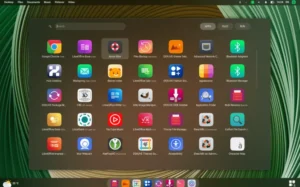
Planeta Tecno OS is a Debian-based system created in Uruguay and designed for users who want a desktop environment enriched with practical AI integrations. It ships with the MATE desktop by default and provides an alternate Xfce edition for users who prefer a lighter interface. The project focuses on delivering built-in AI tools, system administration utilities, and gaming compatibility while maintaining stability thanks to the Debian “Stable” base.
Main Goals of Planeta Tecno OS
The distribution aims to simplify everyday tasks by offering quick access to artificial intelligence services, reliable desktop environments, and tools that streamline system maintenance. Its design philosophy targets users who want a stable platform with modern capabilities, avoiding unnecessary complexity while providing meaningful features.
- Stable Debian base for predictable updates.
- AI-focused toolset integrated directly into the desktop.
- Multiple gaming and compatibility layers ready to use.
- MATE as the primary desktop, with an optional Xfce build.
AI Tools Integrated into the Desktop
Planeta Tecno OS includes an impressive range of AI solutions, including Gemini, Copilot and ChatGPT. These tools can be accessed from the panel and through a dedicated AI management application that centralizes configuration and use. Because these features are part of the default system, users can start experimenting with chatbot workflows immediately.
- Centralized AI control panel.
- Chatbot shortcuts in the system taskbar.
- Integrated workflows for productivity and research.
Desktop Environments: MATE and Xfce Options
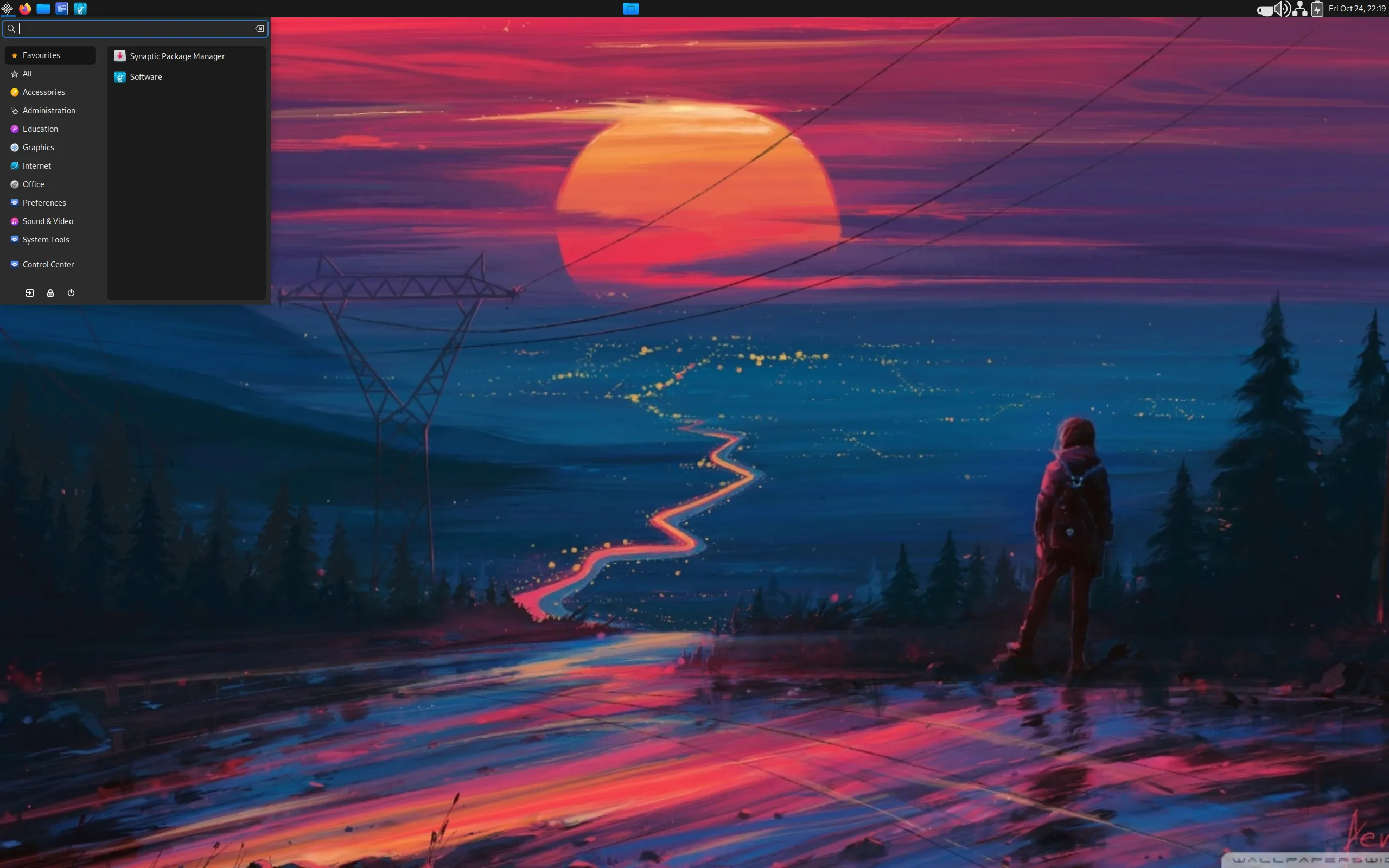
The distribution focuses on MATE because of its balance between performance and usability. It offers a clean interface, efficient memory usage and dependable behavior across hardware profiles. Meanwhile, the alternative Xfce edition expands flexibility for users who want an even lighter resource footprint.
- MATE for a full, responsive experience.
- Xfce for underpowered hardware or minimal setups.
Compatibility Layers and Gaming Support
Planeta Tecno OS includes WINE for running Windows applications and Winetricks to simplify dependency handling. Additionally, the system integrates Lutris and Steam, giving users an accessible gaming ecosystem right out of the box. This combination makes the distribution suitable for casual gamers and users who rely on legacy Windows software.
- WINE preinstalled for Windows software.
- Winetricks for streamlined configuration.
- Lutris for open gaming management.
- Steam store integration for a broader catalog.
System Administration with Custom Tools
One of the project’s most practical components is its custom administration tool. This application provides convenient actions such as updating the system, cleaning unnecessary files, repairing configurations, and helping users maintain a stable environment. These features reduce the need to rely on terminal commands while still allowing advanced customization.
Target Users and Ideal Use Cases
Planeta Tecno OS appeals to users who want a stable desktop with modern AI tools and efficient system management. It is also a strong choice for learners who want an accessible environment for exploring AI services without complex setup procedures.
- Users seeking built-in AI productivity tools.
- People who want a stable Debian-based desktop.
- Gamers who rely on WINE, Lutris and Steam.
- Students and professionals who prefer simple maintenance routines.
Key Takeaways for Users
Planeta Tecno OS delivers a practical blend of stability, AI capabilities and compatibility layers for everyday computing. Its curated desktop environments and built-in management tools help users stay productive while maintaining control of their system. To explore Planeta Tecno OS, review its documentation or download the ISO, simply visit the official website: Get Download of the ISO.