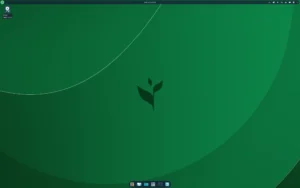
QuarkOS is a desktop-focused Linux distribution built on the stability of Ubuntu’s long-term support (LTS) branch. Designed for both modern desktop users and those seeking a lightweight, efficient environment, QuarkOS provides a choice between the polished KDE Plasma desktop and the minimalist Trinity desktop environment (a continuation of KDE 3.5). As a sister project of Q4OS, a Debian-based distribution, QuarkOS brings the same philosophy of speed, simplicity, and usability to Ubuntu’s LTS foundation.
Whether you are a casual desktop user, an IT professional, or someone interested in reviving older hardware, QuarkOS offers an adaptable system capable of meeting diverse computing needs. Its dual desktop approach ensures that users can choose between a modern, feature-rich experience with KDE Plasma or a fast, resource-light alternative with Trinity, all while benefiting from Ubuntu’s proven stability and software ecosystem.
Dual Desktop Options: KDE Plasma and Trinity
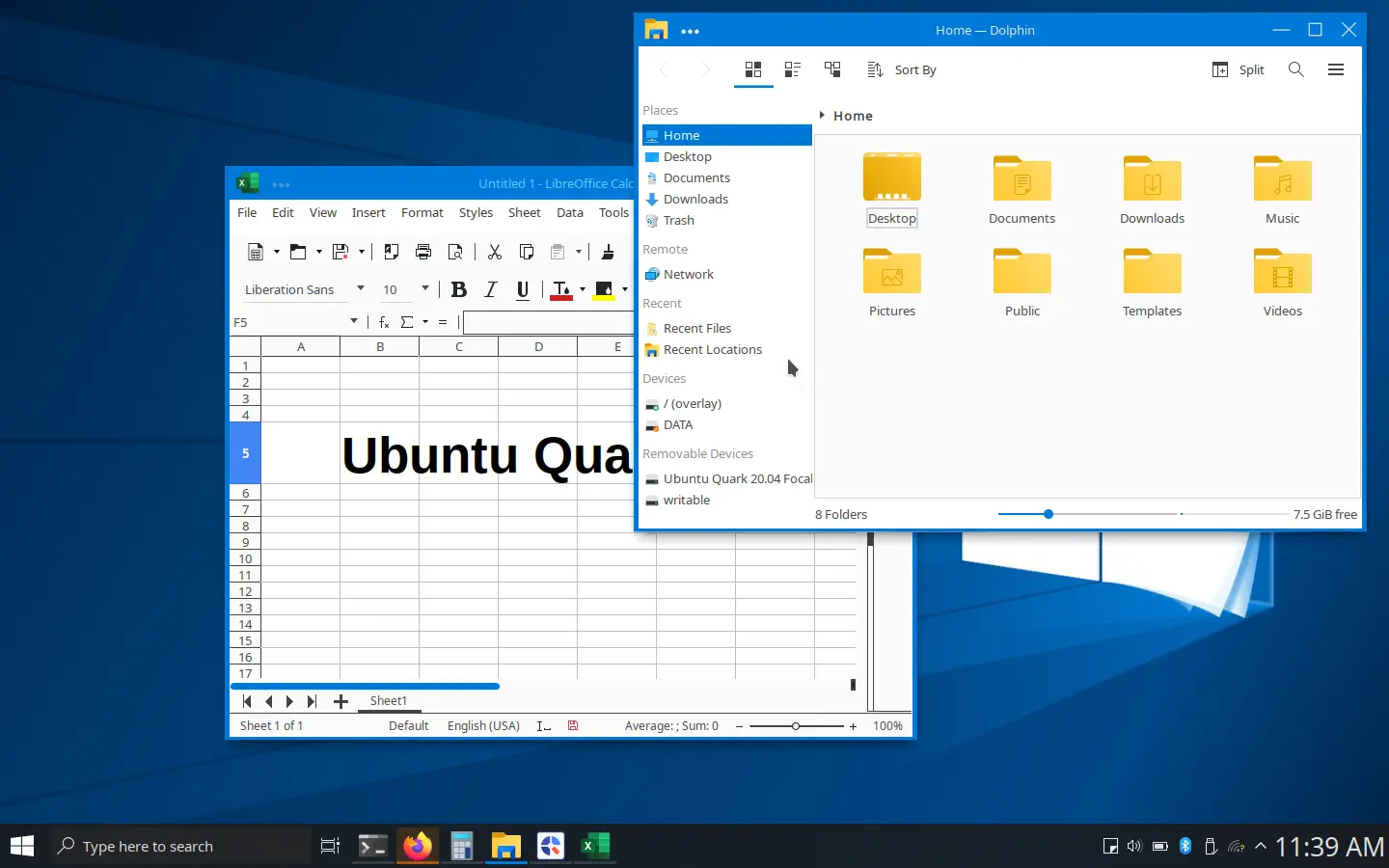
QuarkOS uniquely provides two desktop experiences within a single distribution. KDE Plasma offers a modern interface with advanced customization options, a rich set of applications, and integration features suitable for daily productivity and multimedia tasks. Plasma’s flexibility allows users to tailor the environment to their workflow, from desktop widgets to global shortcuts and powerful window management tools.
In contrast, the Trinity desktop environment revives the simplicity and speed of KDE 3.5. Designed for low-resource systems or users who prefer a minimalist workflow, Trinity maintains a classic desktop layout, fast performance, and intuitive usability. Its lightweight footprint makes QuarkOS a compelling choice for both older computers and performance-focused users.
Ubuntu LTS Base for Stability and Compatibility
By building on Ubuntu’s LTS branch, QuarkOS ensures long-term support, robust security updates, and compatibility with a vast ecosystem of software packages. Users benefit from the stability of Ubuntu’s tested kernel and software libraries while enjoying the enhancements and optimizations unique to QuarkOS. This foundation makes it easier to install additional software, drivers, and development tools while maintaining a consistent and reliable environment.
Performance and Optimization
QuarkOS has been optimized for both speed and efficiency. The Trinity edition, in particular, minimizes memory usage and system overhead, providing rapid boot times and responsive performance even on legacy hardware. KDE Plasma, while more feature-rich, has also been tuned for efficiency, offering a balance between modern aesthetics and system responsiveness.
Performance improvements include streamlined background services, preconfigured system settings, and optimized window management configurations. Users can expect a smooth desktop experience regardless of the chosen interface.
Software and Productivity Tools
QuarkOS comes with a selection of preinstalled applications to cover essential productivity, multimedia, and internet tasks. While users can freely install additional software from Ubuntu’s repositories, the base system includes:
- Office and productivity suite for document, spreadsheet, and presentation needs.
- Web browser and communication tools preconfigured for daily use.
- Multimedia tools for audio, video, and image handling.
- System utilities and customization tools to simplify user management and configuration.
This curated selection ensures that new users can begin productive work immediately after installation, while experienced users have the flexibility to expand and customize the environment.
Installation Options
QuarkOS supports a simple graphical installation process that allows users to select between KDE Plasma and Trinity desktops. The installer provides options for partitioning, user creation, and system settings, making it accessible to both novice and advanced users. Additionally, QuarkOS can be run as a live system, enabling testing and exploration without affecting the host machine.
The flexibility of live mode ensures safe experimentation and the ability to evaluate system performance before committing to a full installation.
Target Audience and Use Cases
QuarkOS is designed for users who value simplicity, speed, and choice. Ideal use cases include:
- Daily desktop computing with a modern interface (KDE Plasma) or lightweight environment (Trinity).
- Reviving older hardware while maintaining a secure and stable system.
- Developers and technical users who require a flexible, customizable desktop.
- Educational or professional environments seeking an accessible and maintainable Ubuntu-based system.
Its dual desktop approach ensures that both new and experienced users can tailor their computing environment to their needs without compromise.
Get Download of the ISO
To explore QuarkOS, review its documentation, or download the ISO, simply visit the official website: Get Download of the ISO.