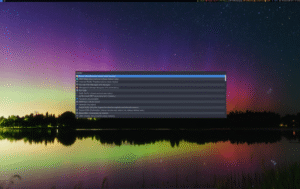
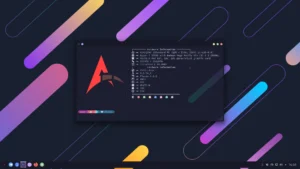
Synex is a Debian-stable-based desktop Linux distribution built using the official Debian Live Build tool. It offers four separate desktop environments—GNOME, LXDE, KDE Plasma, and Xfce—each providing a minimal set of pre-installed applications, without any development tools or office suites by default. This lightweight approach ensures fast performance and simplicity while still allowing users to expand functionality as needed.
Designed for both newcomers and experienced Linux users, Synex provides a clean, efficient environment suitable for general desktop use, multimedia, and productivity workflows. Its flexibility allows users to choose their preferred desktop while benefiting from Debian’s stability and ecosystem.
Main Features and Utilities
Synex includes essential tools and features designed to simplify installation, hardware support, and software management:
- Calamares installer: Supports both BIOS and UEFI installation modes
- Printing and network: CUPS integration for easy printer setup and network configuration
- Flatpak support: Out-of-the-box Flatpak application installation
- NVIDIA drivers: Installation assistant for X11 and Wayland environments
- Additional repositories: Access to Microsoft Edge, OnlyOffice, and Zabbix
Multiple Desktop Environments
Synex allows users to select the desktop environment that best suits their workflow:
- GNOME: Modern, feature-rich desktop for productivity and multimedia
- LXDE: Lightweight and minimal desktop for older or low-resource systems
- KDE Plasma: Highly customizable, visually appealing environment
- Xfce: Fast, stable, and efficient for daily use
Who Should Use Synex?
- Desktop users seeking a lightweight, stable Linux system
- New Linux users wanting an easy-to-install and pre-configured system
- Advanced users who prefer flexibility in choosing their desktop environment
- Users requiring NVIDIA support for graphics-intensive applications
- Anyone who values minimalism and performance while retaining expandability
Get Download of the ISO
To explore Synex Linux, review its documentation, or download the ISO, simply visit the official website: Get Download of the ISO.