Thinstation is a lightweight, flexible and highly specialized CRUX-based Linux distro designed for thin client environments that require efficient remote access, centralized control and broad protocol compatibility. Built to operate on modest hardware, the distribution supports diskless setups, local booting, peripheral management and a modern range of remote desktop protocols, making it an adaptable solution for organizations, labs, offices and educational environments that need dependable thin clients with minimal overhead..
A Purpose-Built Linux Distro for Thin Client Deployments
Unlike generic desktop Linux systems adapted for remote access, Thinstation is designed from the ground up to serve as a dedicated remote endpoint. Its small footprint, modular architecture and broad compatibility make it suitable for large-scale deployments where devices must remain easy to configure, secure and centrally manageable. The system can operate independently for basic tasks, but reveals its strength when paired with backend servers that provide administrative control, application delivery and remote session management.
Because thin clients depend heavily on server-side infrastructure, Thinstation maximizes efficiency by keeping the client system lean while offering powerful connectivity options. This ensures reliable performance even on older PCs, repurposed machines or small form-factor devices commonly used in enterprise or institutional environments.
Versatile Booting Options for Diverse Hardware
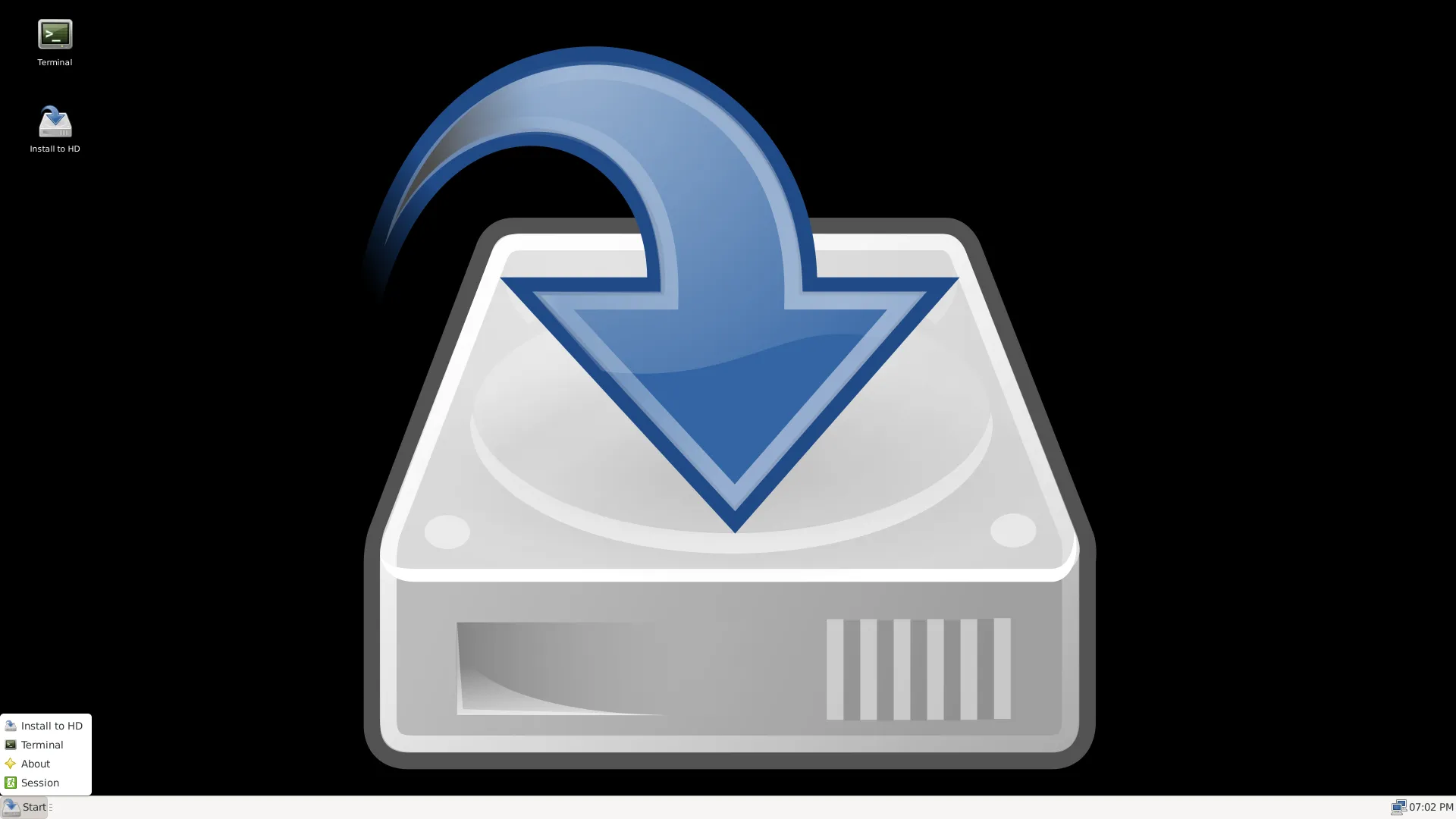
Thinstation excels in its flexibility regarding how client systems boot and operate. Whether administrators want a diskless environment for maximum centralization or prefer hybrid approaches with local storage, the distribution adapts to each scenario. This versatility enables organizations to mix legacy hardware with modern machines while keeping the user experience consistent across clients.
- Diskless PXE boot: ideal for large deployments, computer labs and minimal-maintenance environments.
- Local USB or HDD boot: offers independence for mobile setups or situations without network boot infrastructure.
- Hybrid configurations: combine network management with local caching to reduce bandwidth usage.
This broad support ensures that Thinstation can be deployed quickly and efficiently regardless of the underlying hardware or network architecture. It also contributes to cost savings by extending the lifecycle of older machines that would otherwise be retired.
Comprehensive Protocol Support for Modern Remote Workflows
One of Thinstation’s strongest advantages is its extensive support for remote desktop and application delivery protocols. This makes the distribution a universal client capable of connecting to virtually any backend server, including Windows, Linux and mainframe environments. Organizations can standardize on Thinstation even across heterogeneous infrastructures, reducing maintenance time and ensuring consistent user experiences.
- X11 for Linux-based remote desktops and applications,
- RDP for Microsoft Windows environments,
- ICA for Citrix systems,
- NX for optimized Linux remote connections,
- SSH for secure terminal-based access,
- Telnet and tn5250 for legacy systems and equipment,
- VNC and other modern protocols for versatile remote control.
This wide compatibility ensures that administrators can integrate Thinstation into virtually any remote-access architecture, from modern cloud deployments to decades-old enterprise solutions still in operation.
Local Capabilities That Enhance the Thin Client Experience
While Thinstation’s primary role is remote connectivity, it includes essential local capabilities to maintain usability even in environments where minimal client functionality is required. These capabilities include web browsing, handling removable storage and interacting with connected peripherals such as printers and scanners.
- native web browser for basic internet access and intranet portals,
- USB and removable media management when permitted by policy,
- local printer and network printer support,
- audio output and multimedia playback when enabled.
These features allow Thinstation to remain useful even if the remote server is temporarily unreachable or if users require limited local actions before initiating remote sessions.
Scalable Central Administration for Large Deployments
Thinstation was designed with scalability in mind, enabling administrators to control hundreds or thousands of thin clients from a central location. Its configuration system supports automated builds, templated profiles and comprehensive policy management. Administrators can define everything from boot parameters to session behavior, ensuring consistent configuration across all devices.
Because thin clients need predictable, secure behavior, Thinstation’s administrative model emphasizes repeatability. It reduces the time required to roll out updates, modify settings or troubleshoot issues. This makes it a compelling option for environments such as schools, libraries, coworking spaces, enterprises and industrial floors where uniformity is essential.
Efficient Resource Usage and Extended Hardware Lifespans
One of the most practical benefits of adopting Thinstation is its extremely low resource consumption. The distribution operates smoothly on decades-old machines, allowing organizations to repurpose obsolete hardware instead of discarding it. This significantly reduces operational costs and aligns with sustainability goals.
Thinstation’s modular build system ensures that only necessary components are included, reducing RAM and storage requirements. The lightweight environment also boots quickly, minimizes load on local hardware and reduces power consumption. This structure is ideal for organizations seeking cost-effective computing solutions without compromising functionality.
Use Cases That Highlight Thinstation’s Strengths
Thinstation’s adaptability makes it suitable for a wide range of environments. Its compatibility with diverse protocols allows it to serve as a unified thin client solution across multiple industries, infrastructures and workloads.
- Corporate Offices: centralize workstations, streamline IT management and reduce desktop support overhead.
- Educational Institutions: power classrooms and labs with low-maintenance, centrally managed clients.
- Healthcare Systems: access EMR, imaging and legacy systems securely with standardized thin clients.
- Industrial Facilities: support terminals, dashboards, monitoring stations and legacy mainframe systems.
- Libraries and Public Access Areas: provide controlled, consistent user sessions that reset automatically.
- Call Centers: deploy hundreds of identical endpoints that rely on remote desktops and VoIP integrations.
In all these scenarios, Thinstation reduces maintenance workload, strengthens security and ensures a stable remote access experience regardless of backend platform.
A Reliable, Modern and Community-Driven Thin Client Solution
The long-standing development of Thinstation, supported by a dedicated community, ensures a stable and continuously evolving system. The distribution stays aligned with modern remote protocols, updated kernels and hardware compatibility improvements. Organizations benefit from a solution that remains relevant while keeping its core philosophy intact: provide a streamlined, powerful thin client that integrates smoothly into real-world infrastructures.
Official Resources and ISO Download
To explore Thinstation, review its capabilities, or download the ISO, simply visit the official website: Get Download of the ISO.